LearnDash B2B and team training
How to Sell Group Courses with LearnDash and WooCommerce
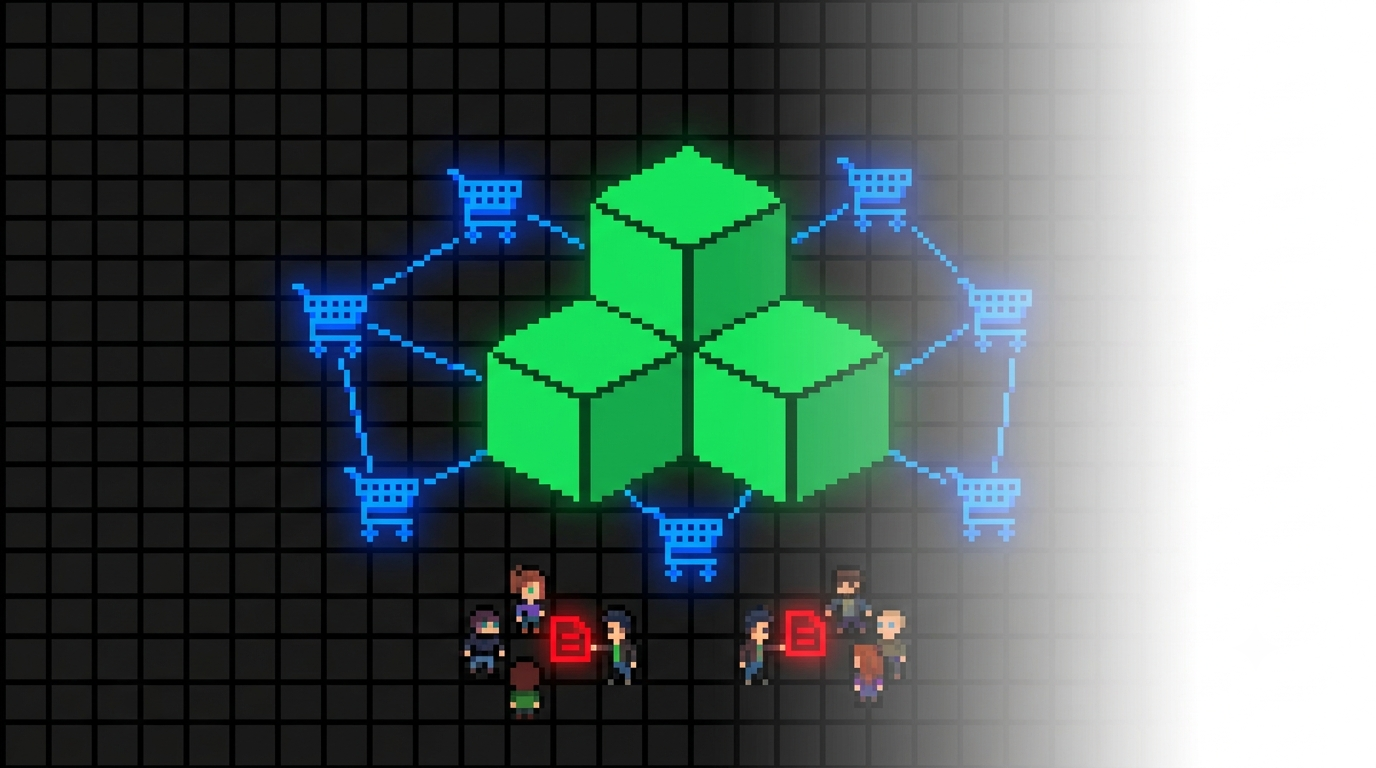
Individual LearnDash enrolment is straightforward. Group sales are more involved: an organisation may need to purchase twenty seats, allocate learners later, nominate a Group Leader, manage invitations, and retain visibility of available seats and learner progress.
LearnDash includes Groups, while WooCommerce handles the sale. A group-sales extension connects those systems so that a completed order can provision the right courses, seat quantity, purchaser access, and trainee-management workflow.
The workflow gap
Why Group Sales Need More Than Native LearnDash Groups
LearnDash Groups can bundle learners and courses, but the native feature does not provide a complete WooCommerce B2B sales workflow on its own. Without an additional tool, a site administrator may need to create groups manually, add users individually, assign leaders, monitor seats, and reconcile payments outside the customer journey.
Sell the right quantity
The purchaser should be able to buy the appropriate number of seats, with product-level minimums, maximums, or volume discounts where required.
Create access automatically
Once the order reaches the chosen WooCommerce status, the correct LearnDash group, seats, courses, and purchaser permissions should be created reliably.
Let the buyer manage trainees
A Group Leader needs a front-end route to assign learners, resend invitations, review seats, and in some cases monitor training progress.
Core solutions
LearnDash Group Sales Options
The strongest option depends on the depth of group management required, whether subscriptions or group hierarchies are involved, and the versions of WordPress and LearnDash currently in use.
| Solution | WooCommerce group sales | Front-end management | Best fit | Key consideration |
|---|---|---|---|---|
| LearnDash Group Registration | Yes, with the relevant LearnDash WooCommerce integration. | Basic purchaser and group workflow. | Simple group-registration requirements. | Feature availability depends on the active LearnDash plan and configured add-ons. |
| Uncanny Groups | Yes, including preconfigured and custom group licences. | Extensive leader management, reporting, invitations, and more. | Established B2B installations with complex group requirements. | Broad feature set and a higher annual licence cost. |
| Team Course Sales for LearnDash 5 | Yes, through standard WooCommerce product and checkout workflows. | Designed for the current WordPress 7 and LearnDash 5 stack. | Newer LearnDash 5 sites selling team training. | Requires WordPress 7, LearnDash 5.1.8+, WooCommerce 8+, PHP 8.1+, and Classic Cart and Checkout. |
| Group License Manager | Yes, through standard WooCommerce products. | Purchaser dashboard for seat and trainee management. | LearnDash 4 sites on the supported legacy WordPress stack. | Not supported on LearnDash 5 or WordPress 7 in V1. |
Established B2B option
Uncanny Groups for LearnDash
Uncanny Groups is a mature group-management platform for LearnDash. It supports WooCommerce-based group sales, front-end Group Leader management, trainee invitations, progress reporting, CSV import, enrolment keys, group hierarchies, and subscription-based group access.
Where Uncanny Groups is strong
- Detailed front-end group management and reporting.
- Group hierarchies and pooled-seat workflows for more complex organisations.
- Custom group licences with course and seat selection.
- Subscription support through WooCommerce Subscriptions.
- CSV, invitations, enrolment keys, progress management, and related B2B features.
What to consider
- Its strength is breadth, which may be unnecessary for a simpler team-seat product.
- Product, page, licence, dashboard, and WooCommerce configuration should be planned before launch.
- Subscriptions and advanced workflows add additional testing requirements.
- Current annual pricing and renewal terms should be checked directly with Uncanny Owl.
WPGator platform choices
Choose the WPGator Group-Sales Plugin for Your LearnDash Version
WPGator has two separate plugins because LearnDash 5 and WordPress 7 introduced a changed platform stack. Choose the version that matches the site you operate rather than treating either product as an in-place upgrade for the other.
Team Course Sales for LearnDash 5
Disclosure: Team Course Sales for LearnDash 5 is a WPGator product for sites on WordPress 7, LearnDash 5.1.8 or later, WooCommerce 8 or later, PHP 8.1 or later, and Classic Cart and Checkout.
- Built for the current LearnDash and WordPress platform stack.
- Supports standard WooCommerce product and checkout workflows for team training.
- Free tier supports three enabled single-course team-sales products.
- Pro and Agency editions add more products, multi-course bundles, and newer team-only product capabilities.
Group License Manager
Disclosure: Group License Manager is a WPGator product for the supported LearnDash 4 and WordPress 6.7–6.9.x stack.
- Sell eligible WooCommerce Simple or LearnDash Course products as individual access or managed group seats.
- Creates LearnDash groups and a front-end Group Manager Dashboard for the purchaser.
- Supports seat ranges, quantity discount tiers, trainee assignment, reminders, and LearnDash-group synchronisation.
- Free tier supports three enabled single-course Group License products; paid editions add more products and multi-course bundles.
A reliable implementation path
How to Set Up a Group-Course Product
Confirm the learner and purchaser journey
Decide whether the buyer also needs their own course access, whether they will act as Group Leader, and when they should assign trainees: at checkout, immediately afterward, or later.
Map the courses and seat rules
Choose the course or bundle included with the product, define minimum and maximum seats, and set any volume discounts or team-only product behaviour.
Set the provisioning order status
Confirm which WooCommerce order status triggers access. Digital products are often configured to provision on a completed paid order, but this should match your store’s normal payment and fulfilment workflow.
Test a purchaser and trainee journey
Place a test order, confirm the group and seat count, assign a new and existing learner, resend an invitation, complete a course, and verify all email and dashboard behaviour.
Avoid avoidable support issues
Common Group-Sales Pitfalls
Provisioning and access
- Orders remain in Processing when the group workflow expects Completed.
- Guest checkout does not create the account or purchaser access your chosen workflow requires.
- The wrong course or product type is linked to the group-sale configuration.
- Group pages or purchaser dashboards are hidden behind an unexpected membership or role restriction.
Dashboard and trainee management
- A live dashboard page is cached by a host, cache plugin, or CDN.
- Seat rules are unclear, leading to purchaser expectations that exceed the purchased allocation.
- Invitation emails are not tested with the site’s real mail-delivery configuration.
- Administrators and Group Leaders are given more WordPress access than the workflow requires.
Sell team training through WooCommerce
Choose the Group-Sales Workflow That Matches Your Platform
For a current WordPress 7 and LearnDash 5 site, start with Team Course Sales for LearnDash 5. For a supported LearnDash 4 site on WordPress 6.7–6.9.x, Group License Manager provides individual and managed team-purchase paths through standard WooCommerce products.
View Team Course Sales for LearnDash 5